

13·
1 month agoOf course.
Lots of cybercrime has been solved by law-enforcement by matching traffic logs based on timestamps and throughput.

Eskating cyclist, gamer and enjoyer of anime. Probably an artist. Also I code sometimes, pretty much just to mod titanfall 2 tho.
Introverted, yet I enjoy discussion to a fault.
Of course.
Lots of cybercrime has been solved by law-enforcement by matching traffic logs based on timestamps and throughput.

Nextclouds shortcomings can be addressed. I have no idea how you’d even begin to get collabora to work sanely.
That’s not what I’m saying at all. I’m saying Collaboras implementation is fundamentally unfit for use.
I used to host a CODE server.
It ran like shit, because it works by rendering the viewport on the remote system, not the client. Instead you essentially send every input to the server, wait for it to render the change, and then send that back to the client. Collabora is like using office software through vnc. Except all the time.
The responsiveness is atrocious. Especially if you try to use it over a less than ideal connection.
But it’s just fucking text data. It shouldn’t require the same infrastructure as remote gaming to be usable. It should be able to handle multiple seconds of latency, and just sync back up without the user ever noticing.
But it can’t. Because it RENDERS on the server. Which means the tiniest hiccup in the connection between server and user causes noticable issues.
How does that help me add collaborative office suite functionality to my nextcloud instance?
Collabora will never be good.
When I learned it’s “just” a libreoffice fork running on a remote server that is then screenshared to your browser…
The input latency and the graphical wierdness when resizing the viewport suddenly made sense.
I still want something better than onlyoffice for my nextcloud instance, but at least it is responsive.
I use matrix.
I run an instance for myself an immediate family. I also federate with other instances to participate in some dev groups.
The most active matrix space I’m in, is the one hosted by ani.social. Daily activity on anime-related topics, and also fediverse, lemmy and software.
If you want to try it, the main “matrix.org” instance is far from easy to recommend though. Finding good public matrix instances is a challenge. As such the best way is probably to either host one yourself or know someone who does.
They are out there, though. I’ve seen people be happy with pikaviestin.fi, but that’s only for finnish people. Mozilla also has an instance, though I’ve no experience on it.
Also food delivery.
In Finland, there used to be “pizza-online” which was really just a directory and ordering system for restaurants that already did delivery themselves.
They took a very small comission, as the site didn’t really do anything except connect restaurant and customer (and provide a review platform). For a long time, they didn’t even have an app.
You’d log in, select a restaurant, browse their menu and place an order. The order goes to the restaurant, and after that the site’s job was done.
It was massively succesful. Every hole in-the-wall pizza place was on there. Finding good food was easy and cheap, and the restaurants reached more customers than ever. And the platform including reviews led to competition in not just price, but quality.
Then pizza-online sold to foodora, and they got shut down, and participating restaurant were no longer allowed to deliver themselves, and the cut taken by the platform skyrocketed.
There are two PINs, PIN1 for ZKP and PIN2 for digital signing. The card does nothing without one.
Most EU countries provide some way for citizens to sign documents using a private key tied to their legal personage.
Putting it on the ID card they are given anyway just makes sense.
My final paragraph is there to explain that a lot of “digital signatures” aren’t really signatures in any meaningful way. What goes into the actual file doesn’t matter at all, UNLESS it’s the aforementioned cryptographic signature.
When a website has you type a name as a signature it’s a legal representation of that signature. There’s nothing cryptographic at all about it. Wjere would you even store the key? I’ve made ways to use Webauthn keys to do this, but no signatory uses these methods.
I claimed no such thing. That is not a digital signature.
I’m fairly certain we are not discussing the same thing.
I can digitally sign documents the way I have described, NOT IN A WEB BROWSER, using entirely local or even open source software, using my government issued ID card.
The solution provided for electronic signatures by the Digital and Population Data Services Agency is a signature certificate. The certificate is located in the card chip.
As described by the relevant finnish agency, this is enabled by a “signature certificate” stored on peoples ID cards. The functionality uses a separate PIN from that which you use to verify your identity in the context of a website you are visiting.
I am not aware of any other way for me to sign a document in such a way. All the other signatures, which do also work, are something else. And potentially insecure in all the ways OP thinks. (Someone else can type the same name).

The word you’re looking for is “fanaticism”. And few consider it positive.
Fanaticism and loyalty are essentially the same thing. You pick the word to describe the same behaviour, depending on context. You call someone a fanatic when it is a bad thing. You call someone loyal, when it is a good thing.
Loyalty/fanaticism is trust+commitment. Children taking care of their parents as they age is a form of loyalty, and few would argue that’s a bad thing.
It’s really just a digital way to do the equivalent of printing the document, signing it, and scanning it again. Which is also accepted in a lot of situations.
The visual signature part of a “digital signature” is purely cosmetic. The actual signature is the entire file being cryptographically signed using a private key you possess, which any recipient can then verify came from you by using a public key.
This is the case for all government issue signatures (like when using the private key inside a chipped government id card) or any other signature created using a key pair from an issuing authority.
If its not a digital signature in this way, the other way is literally just an image. It can be a vector or an raster, or a straight up scan of a physically signed document. It’s just a picture. It has no digital verification whatsoever.
I’ve only managed it accidentally.
But usually the pattern is contacting/getting contacted due to some matter that needs discussing. The source for that can be needing some pointers on using someone elses code, or providing feedback on how someone moderates, etc.
For me it’s usually come from participating more extensively. Engaging in community building such as my modding titanfall and hosting northstar servers. Starting a bunch of lemmy communities.
Then, once something gives you a reason to go a couple back and forths into an exchange, and there is mutual interest, it just keeps going. After that you can pick up with the same skillset you’d use with someone you’ve met in person.
The difference is that you’ll need to keep it going by deliberately reviving the conversation now and then. That won’t happen by running into the person face to face or some similar context the way it might work with a coworker or someone in your social circle.
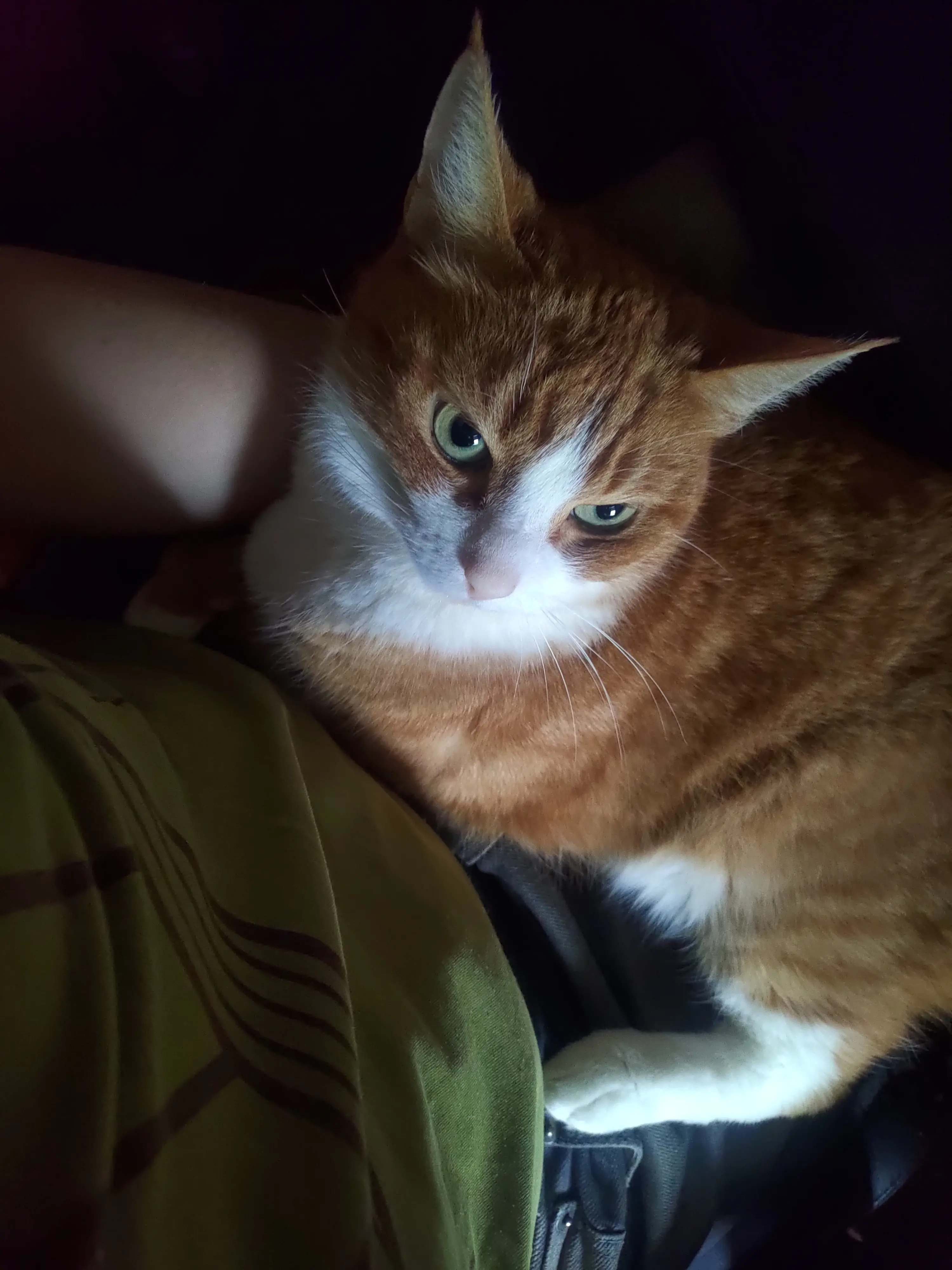
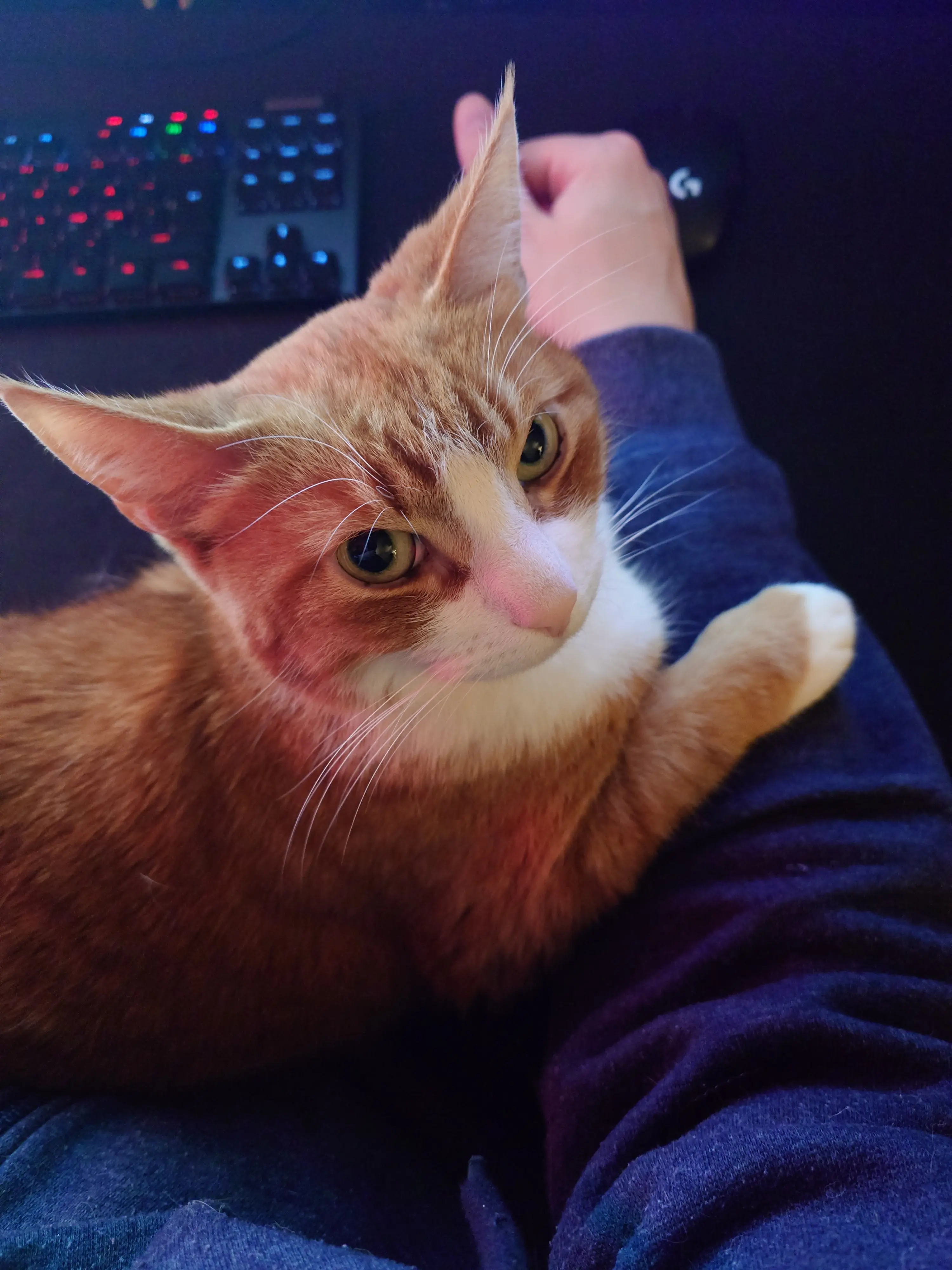
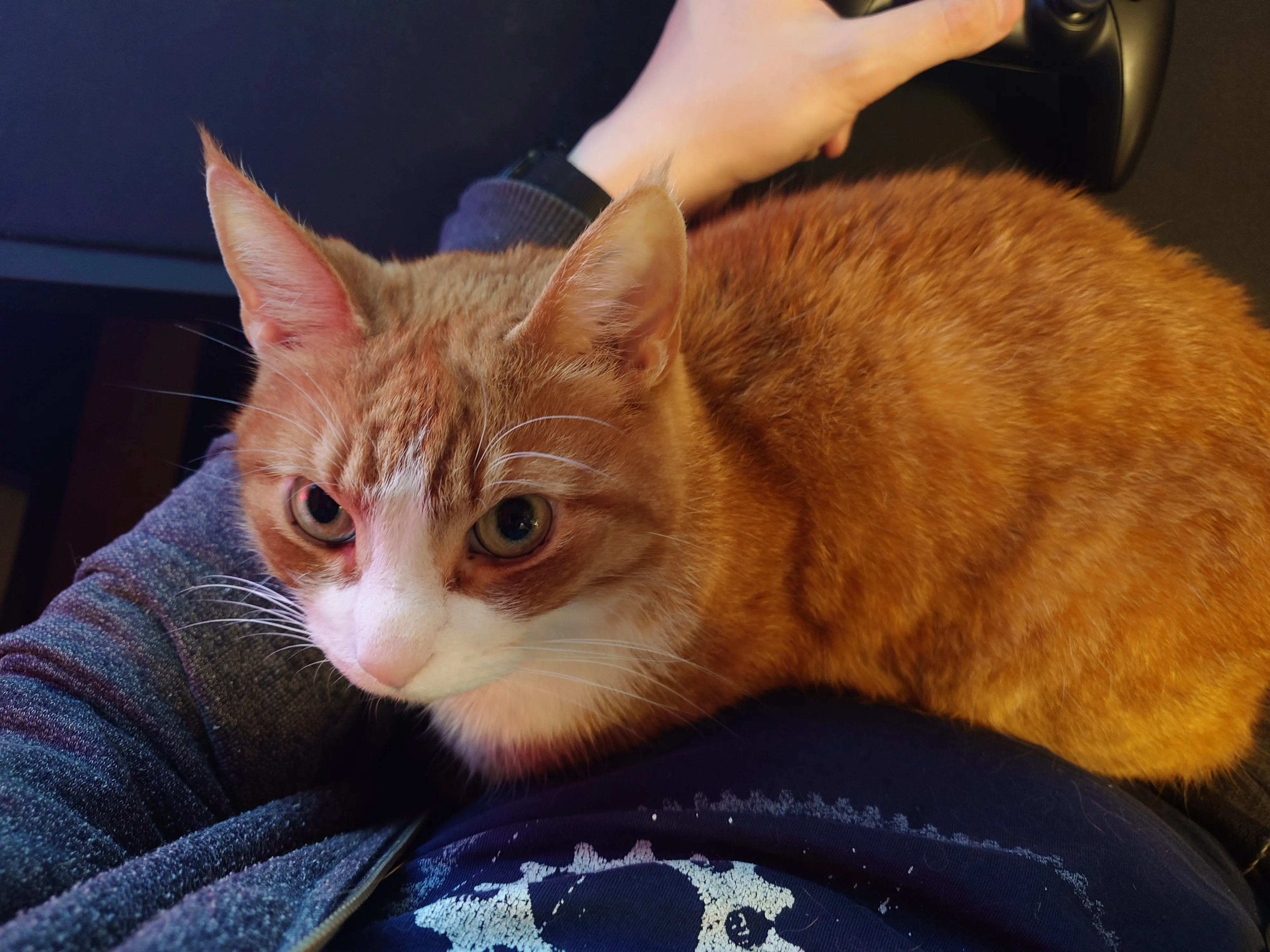
Orange cat, only in the brain.
Note, #4 will not apply to files MOVED into the directory. Only files that count as “created” there (like a copy operation).
No.
Assuming you’re accessing your files via network mounts, those file are being created by the relevant SMB/NFS/SSH daemon. ALL FILES are created by some process or other. If you click “new file” in Dolphin, that process is Dolphin.
Which means there is a umask you can configure.
My network SMB mount that leads to my jellyfin libraries is configured (on the server) to access the filesystem under my user and the shared media group. Hence files it “creates” are always done so with correct permissions. User, group and umask are configurable for each share.
This way, I can copy files from a share containing “my” files, into the media share, and have the owner, group and umask automatically “translate” into what they should be in either direction. Theres not really a way to do that directly on the system. It’s something you can only really set up when moving files around between the shares and hence their respective environments.
If I did the move in the terminal directly on the host system, shit would instantly break.
Files and directories can only have one owner for user and group, each. If files you create belonged to every group you are in, that’d be a permission nightmare, so by default, the group permission is “unused” (it just gets set to the same as your user).
You could add the application that needs to access files created by you to your user group, but that’s a lot more permissive than it needs to be (it gets to access all your files with group access granted).
If you’re managing files via network shares, the solution is in their settings.
If you’re managing files on the system directly, that’s trickier. New files can be made to inherit the group of the parent directory (edit: other commentor), which solves your problem only some of the time, as it won’t affect files you move into the folder. In those cases you still have to fix the group after moving. That, or copy instead of move.
Bottom line: You’re not really supposed to manage this stuff directly. When you go in and create files directly on the host system, you are bypassing the systems that would normally set permissions inside a share or directory that is being accessed by multiple applications, users, and services.
Making the default of files created in such a way non-permissive, is by design. That you have to manually correct the group permissions on a file you just moved in from another permission environment, is as it should be.
No, you are not expected to cronjob the chmod command.
You want “umask”. That’s the term, you can google it for more info.
Basically, it’s the setting that controls what the default permissions are for the files created by a process.
Jellyfins umask is configurable using the systemd unit file. Arr stack umasks are somewhere in their settings… Etc.
It is process specific, and something you configure for each application. Owner is whatever user runs the process, and same goes for group.
Group does not need to be same as user. You can run jellyfin with a “jellyfin” user and “media” group, so that some other app managing the media files can deal with jellyfins files by running under a different user but the same “media” group.
As long as you set their umasks to allow group access they will then always be able to pass files and directeries between them.
I’ve no experience with ACLs. I’ve used SMB, and SSHFS to a lesser extent, and always with very simple setups.
My user accessing my own users files via SMB, and ssh only via the admin user and as such with root level access.
But generally, unix-style permissions should allow you to be able to set things up in whatever way you might need. Getting there can be complex, but there is always a way to configure what permissions directories and files will have when created, and hence what users/groups can access them.
Also, sometimes the answer is to edit the groups. Such as adding a user being used to access a share to the relevant groups, instead of messing with owners or groups of existing files and directories.
Or, creating a whole new group (like “pictures” for your camera roll thing) which you add all the relevant users to (yourself, and whatever apps will be accessing the relevant directories). Plus then configure umasks so that files actually default to allowing group level access.

“You hate hotdogs? YOU MUST LOVE BURGERS THEN”
What are you even trying to say?



















They’ve even been caught yoinking emulator code.