

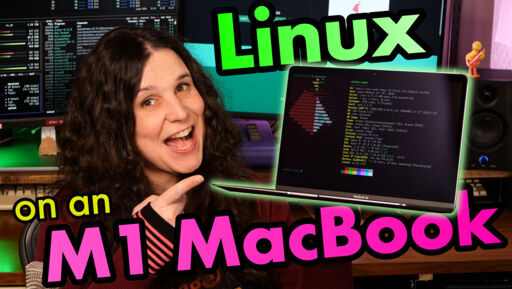
New year, new OS for this M1 MacBook Air!
I’ve been using Asahi Linux (via the flagship Fedora Asahi Remix) for a few weeks now. It’s been my everyday laptop and I’m really impressed with how it’s held up. Battery life is amazing, and the ARM Linux experience is fine for everyday use.
This video walks through how I installed Fedora Asahi Remix in December 2025, the process might change in the future and if it does, I might revisit it here or in a blog- watch for pinned comments I guess!
Important links:
- Asahi Linux project: https://asahilinux.org/
- Asahi Linux docs: https://asahilinux.org/docs/
- Asahi Linux “supported devices” page: https://asahilinux.org/fedora/#device-support
Links to help support unsponsored videos like these… Patreon and Ko-Fi members get access to my Discord/Matrix server where I hang out:
- Patreon: https://patreon.com/VeronicaExplains
- Ko-Fi: https://ko-fi.com/VeronicaExplains
- Buy a shirt: https://vkc.sh/merch
- Download my music: https://thestopbits.bandcamp.com/
Chapters:
0:00 What is Asahi Linux in the first place?
2:15 Installation caveats
3:27 Actually installing Asahi Linux on real hardware
7:34 About the experience
11:06 Asahi is awesome
#linux #apple #fedora
usb-c monitors not being supported is a dealbreaker for me for a daily driver, but I’ve been looking for a secondhand m1/2/3/4 air to install it on because I’m desperate to test it out
Once usb-c monitors are supported this may actually become my daily driver.
agreed! I donate to the developer every so often, just to keep the dream alive.
i thought m3/4 weren’t supported yet?
oh good call, you are correct! you’ve just saved me from embarrassment, thank you friend
I would love for touchid to work on it as well :(
same - I dual booted omarchy but still daily drive macos- use linux on the go or just use my pc (arch)